Encrypted Vault
Secure Storage for Legal Documents
AES-256 encrypted storage for every file your practice handles. GDPR-compliant, with full-text search and AI that can reference your documents in any research session.
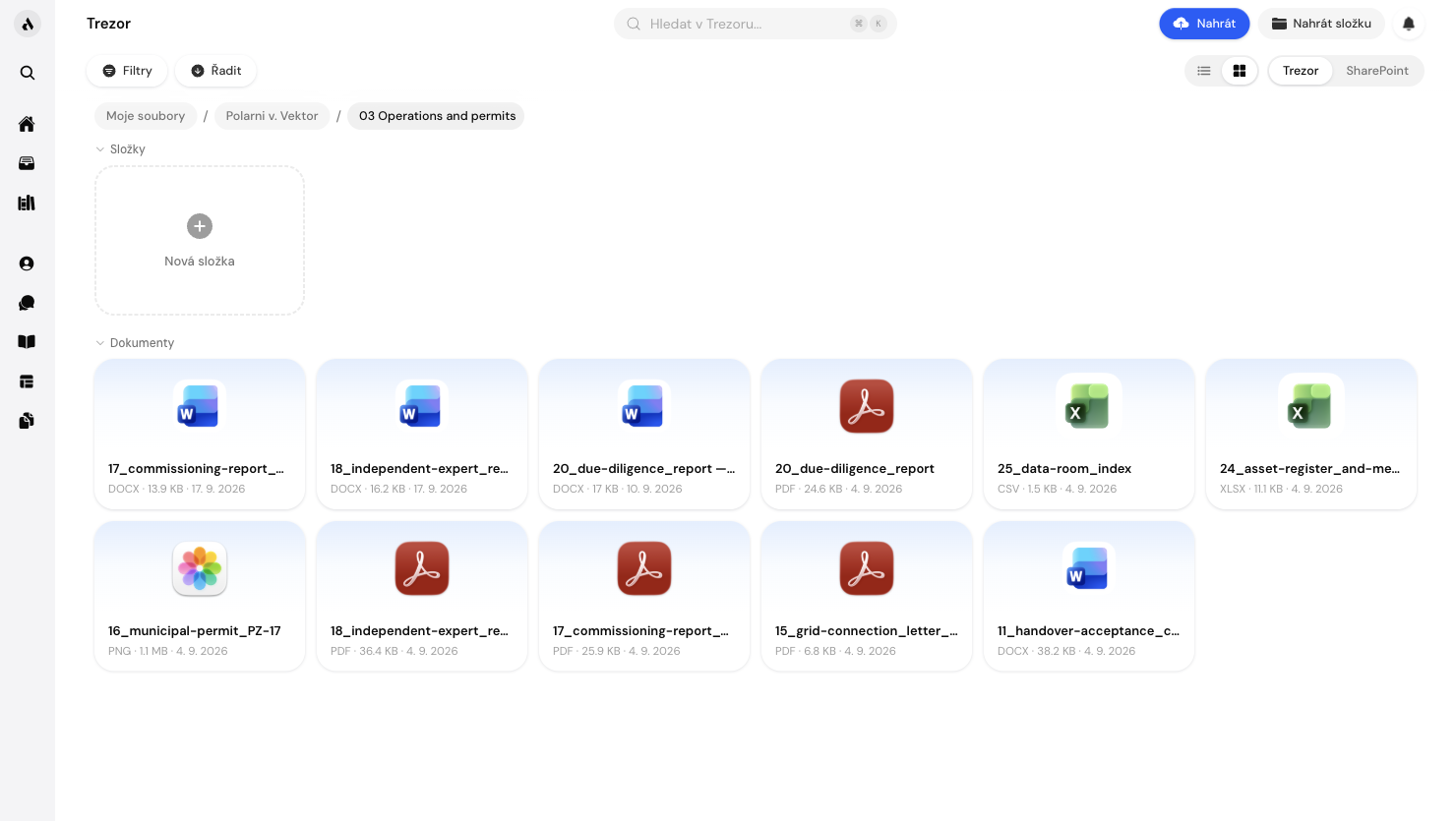
How it works
Upload any document type
Upload PDF, DOCX, XLSX, images, and more. Files are stored encrypted, and access is limited to your account and the people you explicitly share with.
Organise into folders and cases
Create folders by client, matter, or document type. Link folders and individual files directly to case files. Full-text search finds any document across your entire vault instantly.
Reference your documents in AI research
When you ask Aturno a legal question, you can instruct it to search within your own vault documents alongside the public Czech legal corpus. Your own contracts and precedents become part of the research context.
What you can do
Frequently asked questions
Not in day-to-day operation. Files are stored encrypted on Cloudflare R2 in the EU under infrastructure keys, and access runs through your account and the people you share with. Our team has no standing access to your files or conversations: we open client data only to provide support you asked for, and such access is recorded. Encryption with your firm's own key, so that nobody at Aturno can open files from storage, is in development; we will say so here when it ships, not before.
Documents are stored on Cloudflare R2 infrastructure in EU data centres. Content you actively submit to the AI assistant is processed under EU Standard Contractual Clauses with a contractual no-training commitment; EU data residency for AI processing has been requested and is in progress.
No. Your documents are used only to answer your own queries when you explicitly instruct Aturno to reference vault documents. They are never used for AI training, shared with other users, or used to improve the public Aturno knowledge base.
You can share documents within your team workspace. Sharing individual documents with external parties (clients, counterparties) via a secure link is on the product roadmap. Currently, external sharing requires exporting the file from the vault.
Individual file uploads are limited to 50 MB per file. For larger documents (e.g., full due diligence data room archives), please contact our team; we can accommodate larger uploads on Pro and Team plans with advance notice.

Request access to Aturno.
Access is by invitation. Tell us about your practice and we set up your account.